Skip to Content
logologo
AI Incident Database
Open TwitterOpen RSS FeedOpen FacebookOpen LinkedInOpen GitHub
Open Menu
Discover
Submit
  • Welcome to the AIID
  • Discover Incidents
  • Spatial View
  • Table View
  • List view
  • Entities
  • Taxonomies
  • Submit Incident Reports
  • Submission Leaderboard
  • Blog
  • AI News Digest
  • Risk Checklists
  • Random Incident
  • Sign Up
Collapse
Discover
Submit
  • Welcome to the AIID
  • Discover Incidents
  • Spatial View
  • Table View
  • List view
  • Entities
  • Taxonomies
  • Submit Incident Reports
  • Submission Leaderboard
  • Blog
  • AI News Digest
  • Risk Checklists
  • Random Incident
  • Sign Up
Collapse

Report 815

Associated Incidents
Incident 466 Report
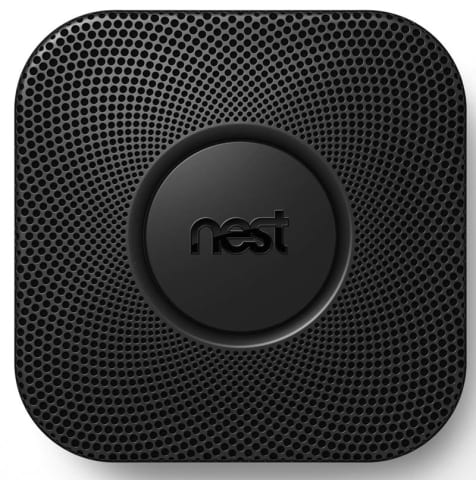
Nest Smoke Alarm Erroneously Stops Alarming

Loading...
Nest Labs Recalls to Repair Nest Protect Smoke CO Alarms
cpsc.gov · 2016

Remedy:

The repair is an automatic electronic update that disables the Nest Wave feature and is delivered automatically to devices connected wirelessly to the Internet and linked to a Nest account. Consumers should take one of the following actions:

Consumers who have not connected their Nest Protect devices to their wireless network and linked them to a Nest account should immediately do so. The devices will automatically receive the update that disables the Nest Wave feature. Customers should confirm that their devices have been updated by going to Nest Sense on their Nest account mobile or web application and ensuring that the button for Nest Wave is off and grayed out. Instructions on how to connect to a network and disable the feature are available at http://support.nest.com/article/Nest-Protect-Safety or by contacting Nest Labs.

Consumers whose Nest Protect devices are connected to their wireless network and linked to a Nest account should immediately confirm the receipt of an automatic repair that disabled the Nest Wave feature by going to Nest Sense on their Nest account mobile or web application and ensuring that the button for Nest Wave is set to "off" and grayed out. No further action is required and consumers can continue to use their devices.

Read the Source

Research

  • Defining an “AI Incident”
  • Defining an “AI Incident Response”
  • Database Roadmap
  • Related Work
  • Download Complete Database

Project and Community

  • About
  • Contact and Follow
  • Apps and Summaries
  • Editor’s Guide

Incidents

  • All Incidents in List Form
  • Flagged Incidents
  • Submission Queue
  • Classifications View
  • Taxonomies

2024 - AI Incident Database

  • Terms of use
  • Privacy Policy
  • Open twitterOpen githubOpen rssOpen facebookOpen linkedin
  • e1b50cd